Google’s New Search History Settings: What Changed, and What Didn’t
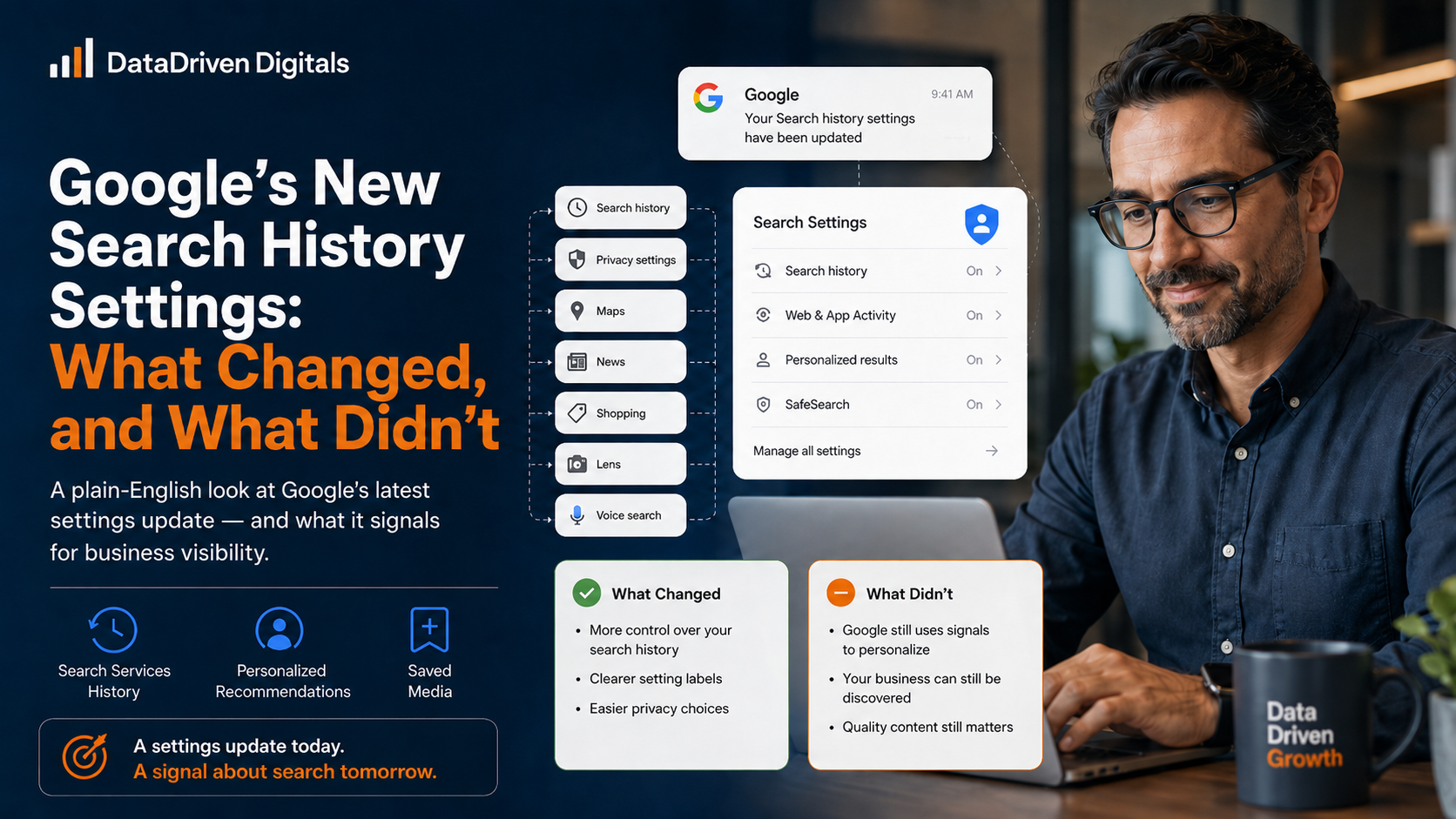
Google emailed millions of Gmail users about new search settings. It reads like a privacy notice. For business owners, it is a signal worth reading twice.
A few days ago Google started emailing people about changes to their search settings. Maybe one landed in your inbox.
It looks dull. Account settings. History. Personalization. Easy to skip.
Skip the panic, not the email. Nothing here drops your rankings overnight. But it tells you where Google Search is heading, and that direction affects every business that wants to be found.
Here is the plain-English version.
What actually changed
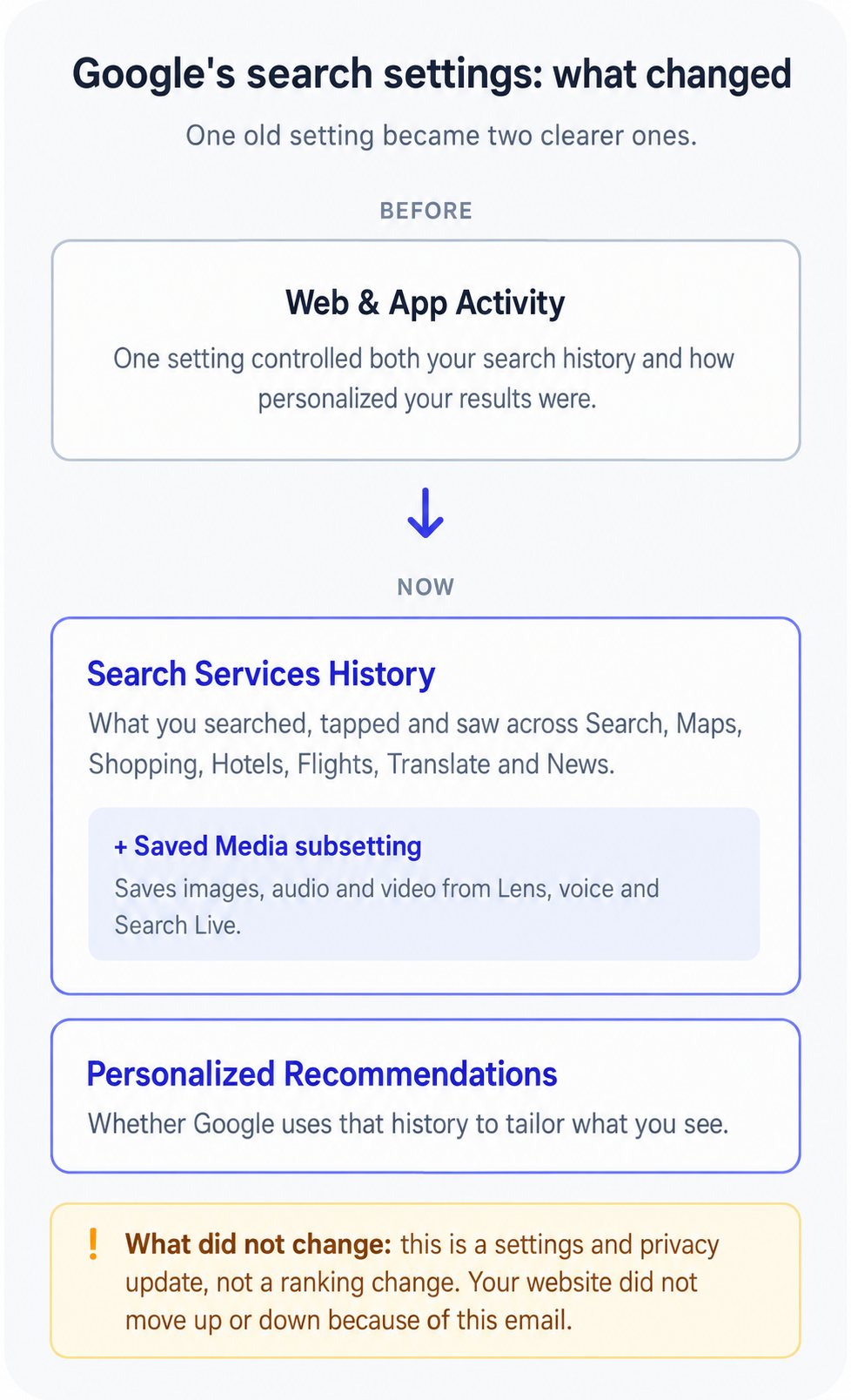
Google used to manage your search history under one setting called Web & App Activity. It has now split that into two clearer settings:
Search Services History. What you searched, tapped, and saw across Google Search, Maps, Shopping, Hotels, Flights, Translate, and News.
Personalized Recommendations. Whether Google uses that history to tailor what you see.
You can switch either one on or off whenever you like. If your old setting was on, the new ones stay on. If it was off, they stay off.
One new piece sits inside Search Services History: Saved Media. When it is on, Google saves the images, audio, and video from things like a Google Lens photo search or a voice search. That media also helps Google improve its products, including its AI.
What did not change
This matters, so read it slowly.
This is a settings and privacy update. It is not a new ranking system. Google did not announce that your website will rank higher or lower because of this email.
Anyone telling you “Google’s update just tanked your traffic” is guessing. Be wary of them.
So why care at all? Because of what the change reveals.
The real story: search is getting personal
Look at what Google now chooses to save and use:
The searches a person has done before
The brands and places they have looked at
The photos they take with their camera through Lens
The kinds of results they tend to tap
Stack those up and you get a picture. Google is building a search that knows the person. Pair it with Google’s AI features, which can use past searches and, where someone opts in, context from other Google apps, and the shift is clear.
Search is moving from “show everyone the same ten links” toward “show this person what fits them.”
What this means for your business
Four honest takeaways.
1. There is no single result anymore. Two customers searching the same thing may see different businesses. Your rank tracker shows one version. Your customer sees their own.
2. Familiar brands get an edge. When someone has seen you before, visited your site, read a review, watched a clip, Google has more reason to show you again. First contact compounds.
3. The unknown brand has to work harder. If Google can confidently suggest a business the person already knows, it has less reason to surface a stranger. You earn that first look with reviews, useful content, and a tidy Google Business Profile.
4. It can cut the other way, too. The head of Google Search argues that personalization can help smaller businesses, not just big ones. When search is generic, familiar names win by default. When Google knows the person and they say what they actually want, it can surface the specialist who was hard to find before. The catch: this lifts a business with a clear, specific reason to be chosen, and quietly passes over a vague one.
What to do this week
You do not need to overhaul anything today. Start small.
Check your Google Business Profile. Right category, current hours, real photos, recent reviews.
Search your own service the way a customer would. See what shows up before your website does.
Make sure your name, address, and phone number match everywhere online.
Want the fuller picture of where personal search is taking us, and what it means for getting found? Read our guide on how personalized search affects business visibility in 2026.
And if you would like us to check how ready your business is, request a Search Visibility Snapshot. We will show you where customers find you now, and where you quietly go missing.
The settings email is not the headline. The headline is this: Google is learning to pick favorites. Give it reasons to pick you.